
Auto Mockups
Professional OOH Display Mockups for After Effects
Transform your animations into realistic outdoor and indoor display presentations with 60 ready-to-use mockups.
Designed for motion designers and advertising professionals who need to showcase their work in real-world environments without leaving After Effects.
Streamline your client presentation workflow with just two clicks.
[→] Compatible with AE 2025
[→] No plugins required
[→] Includes 60 mockup
[→] Organized structure
[→] Fully editable
Auto Mockups
Professional OOH Display Mockups for After Effects
Transform your animations into realistic outdoor and indoor display presentations with 60 ready-to-use mockups.
Designed for motion designers and advertising professionals who need to showcase their work in real-world environments without leaving After Effects.
Streamline your client presentation workflow with just two clicks.
[→] Compatible with AE 2025
[→] No plugins required
[→] Includes 60 mockup
[→] Organized structure
[→] Fully editable
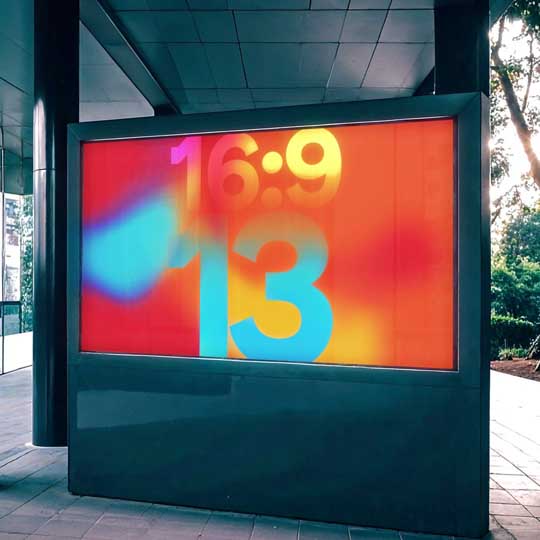
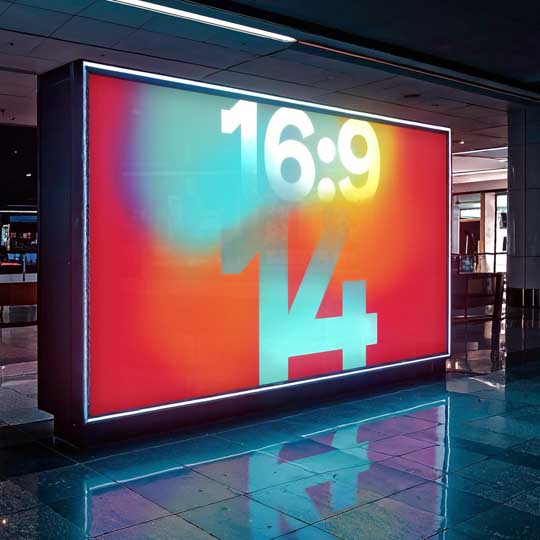
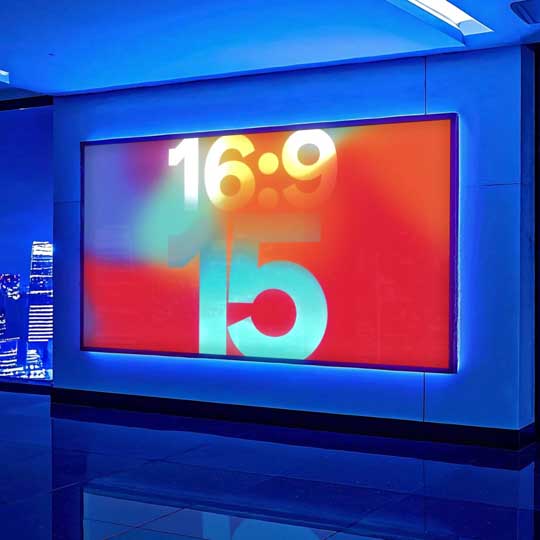
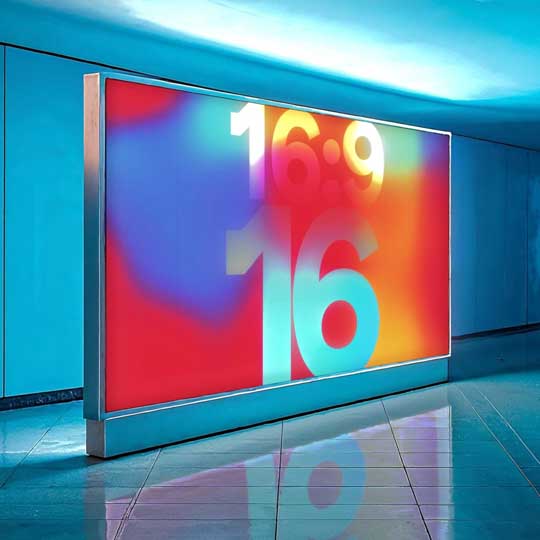
Extensive Library
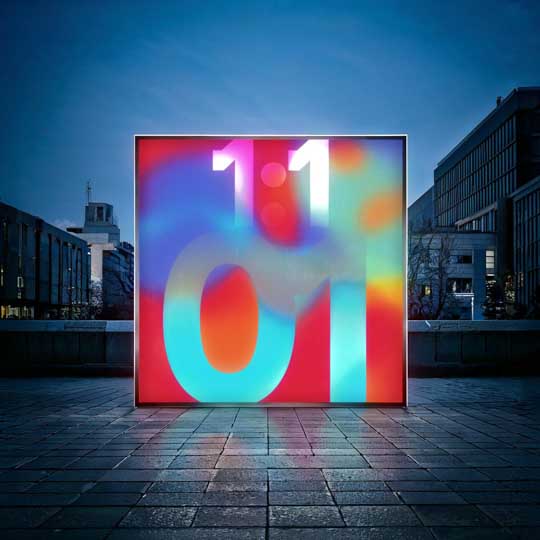
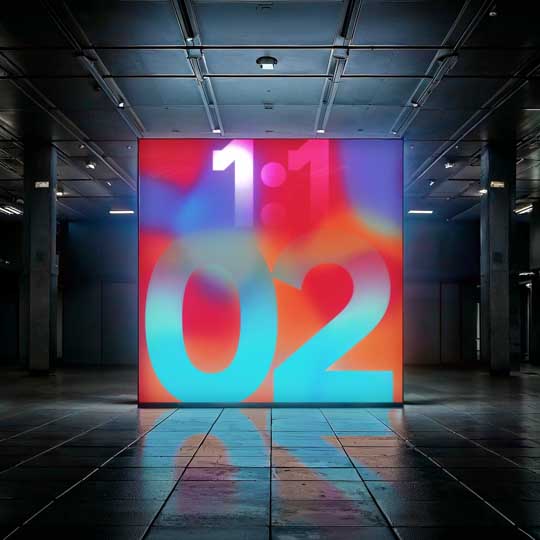
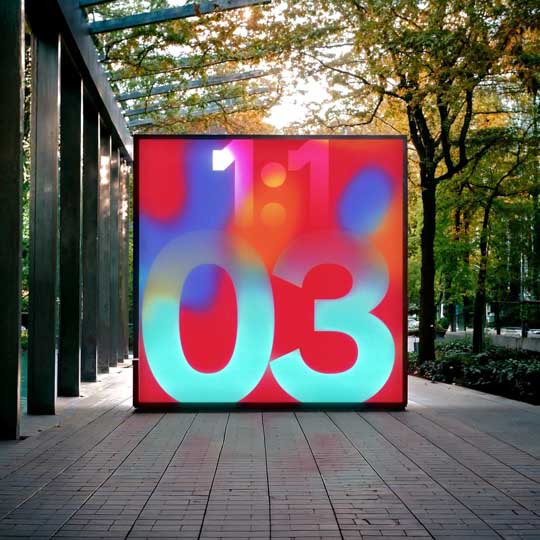
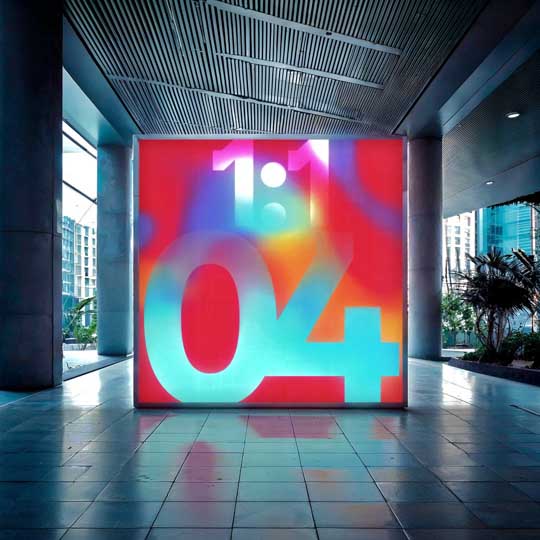
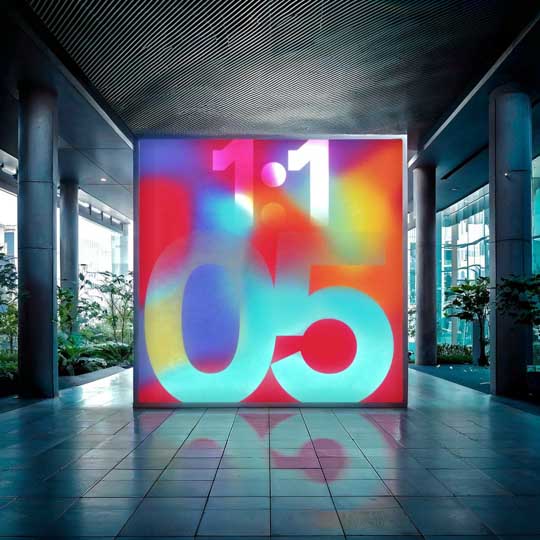
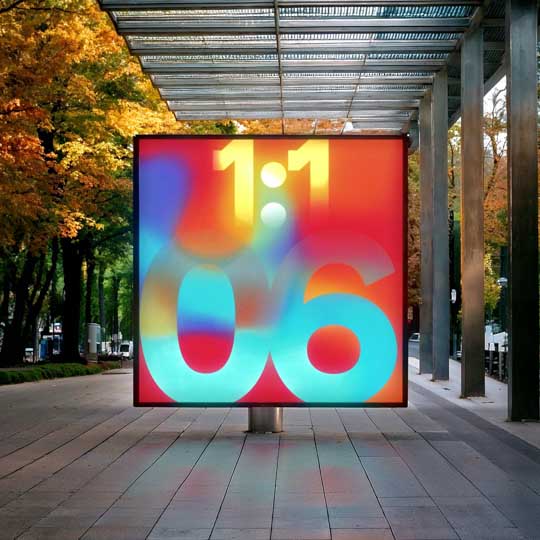
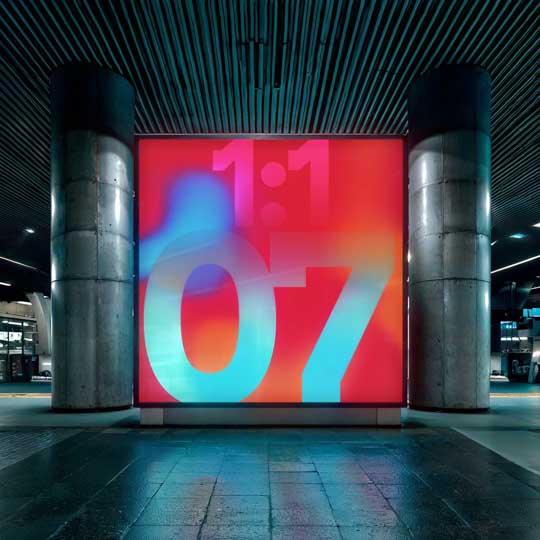
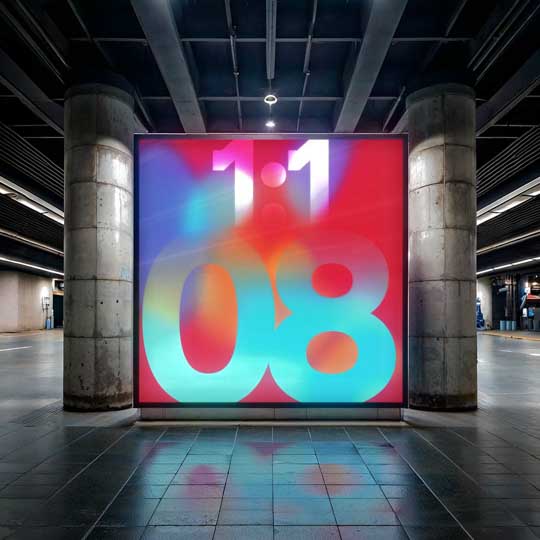
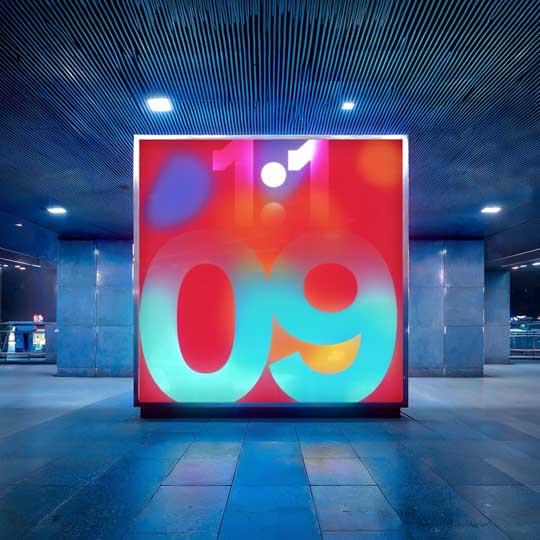
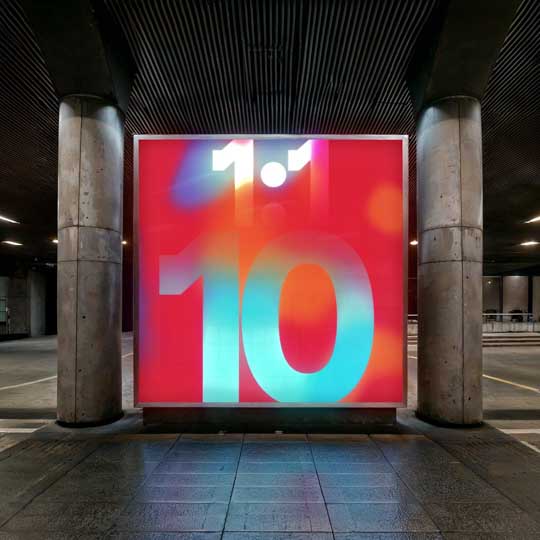
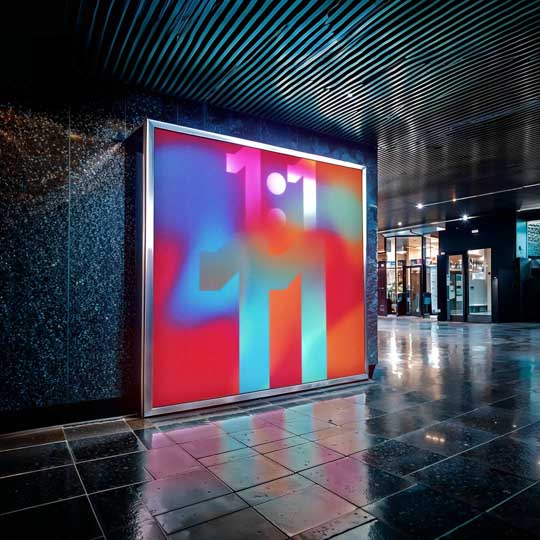
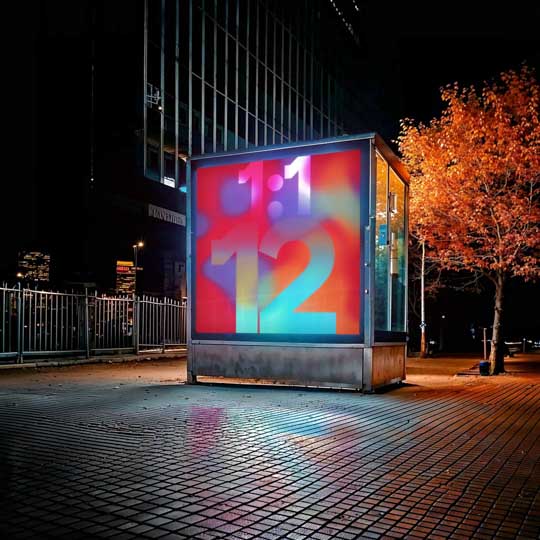
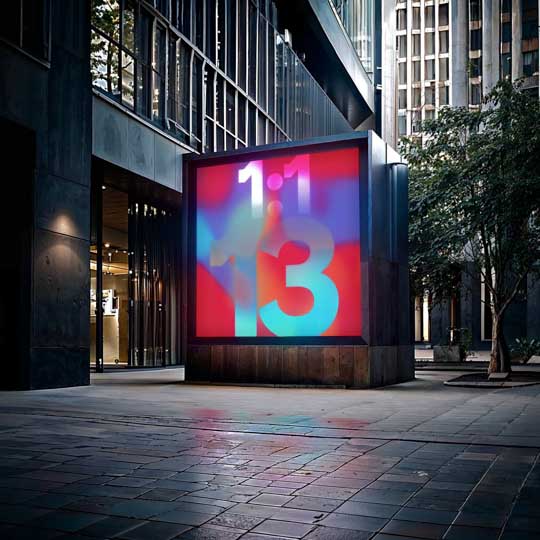
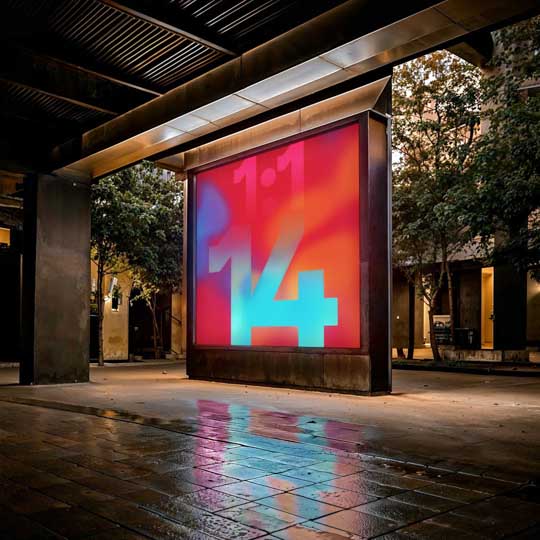
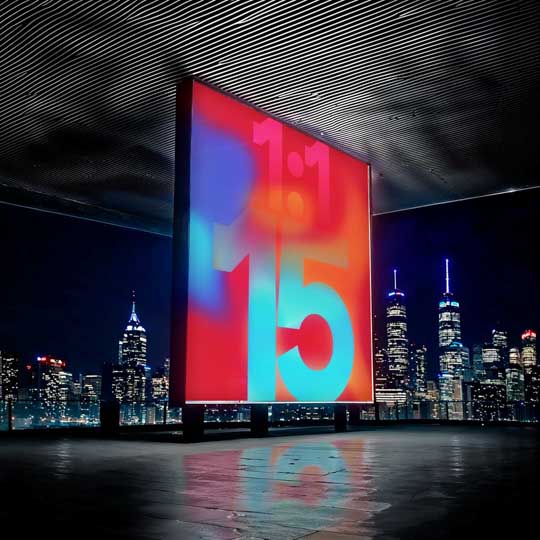
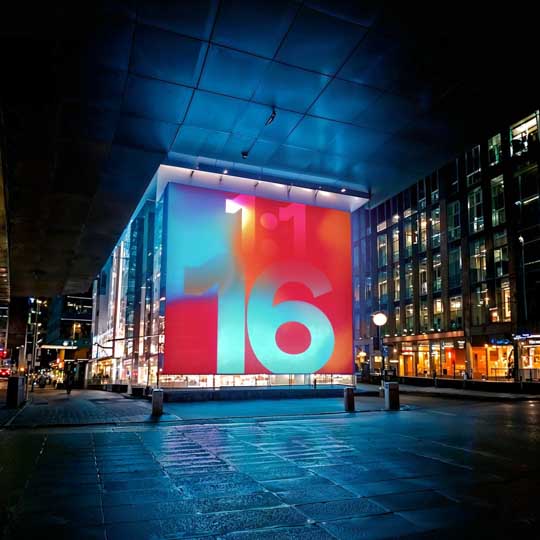
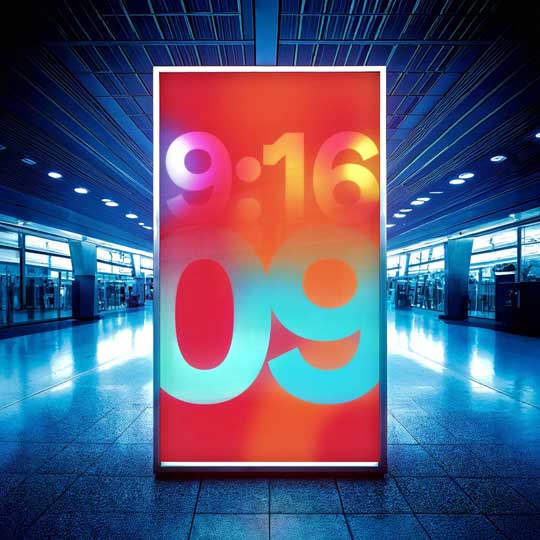
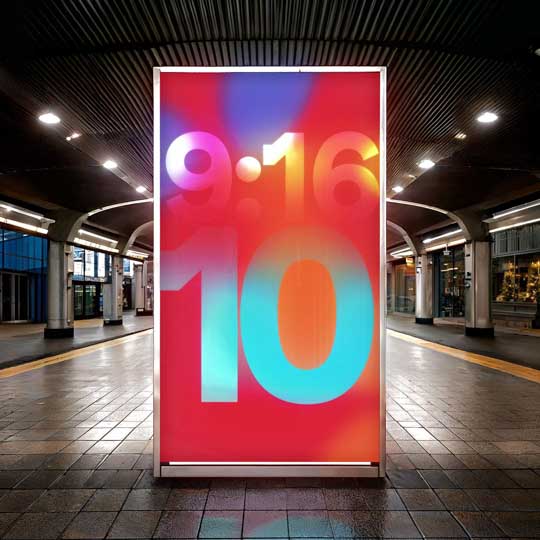
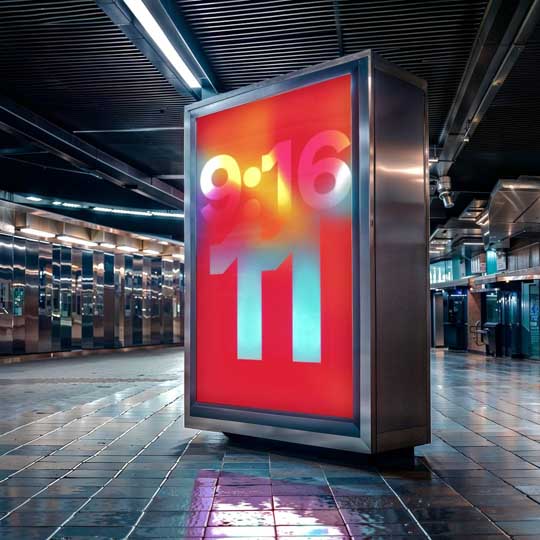
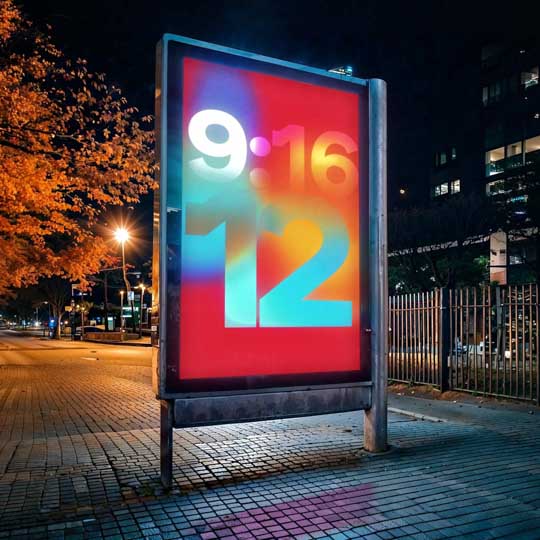
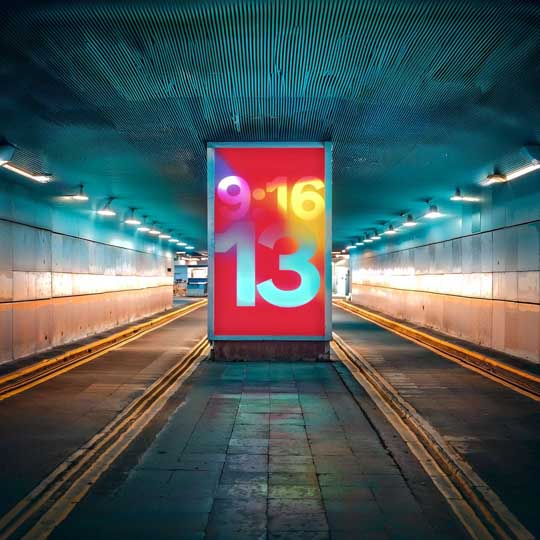
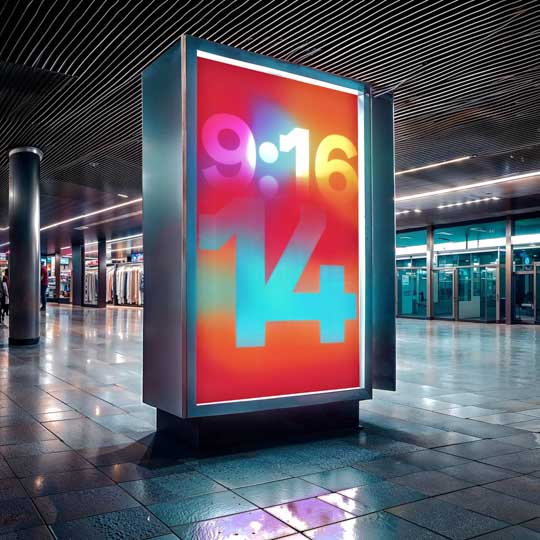
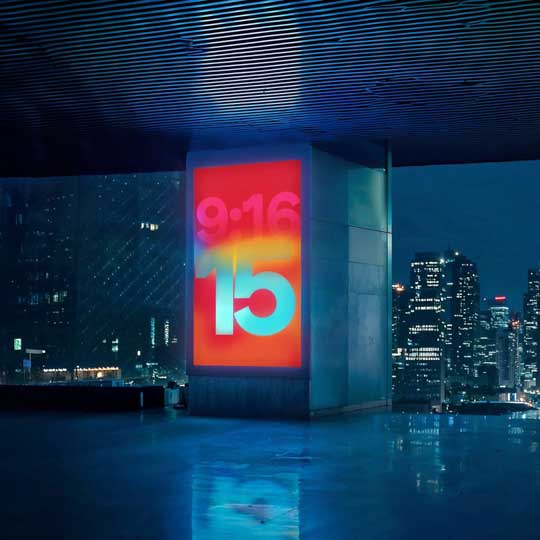
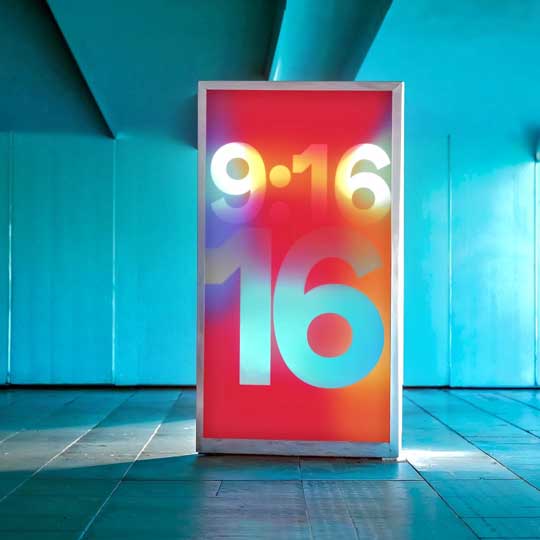
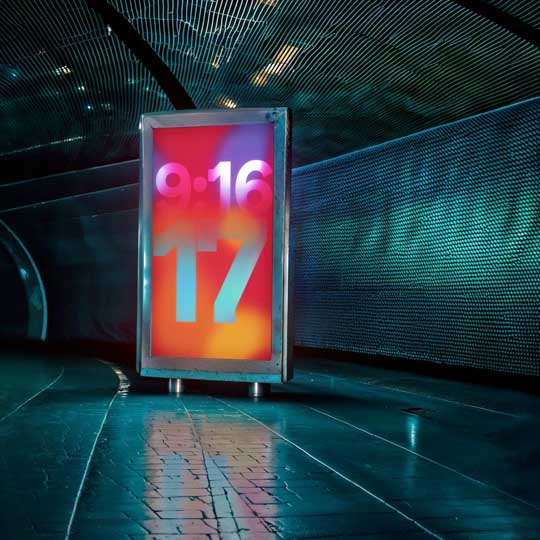
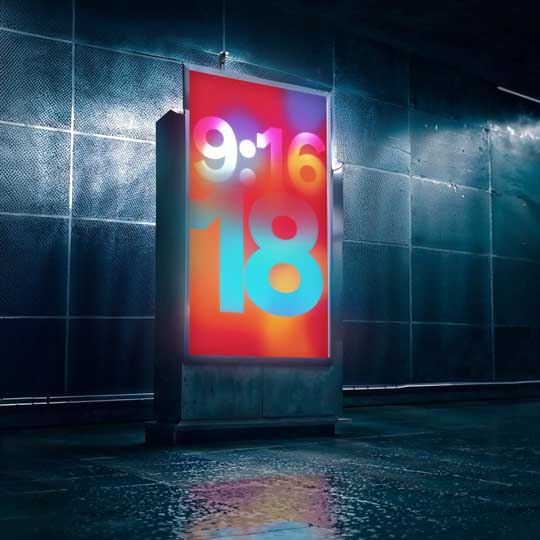
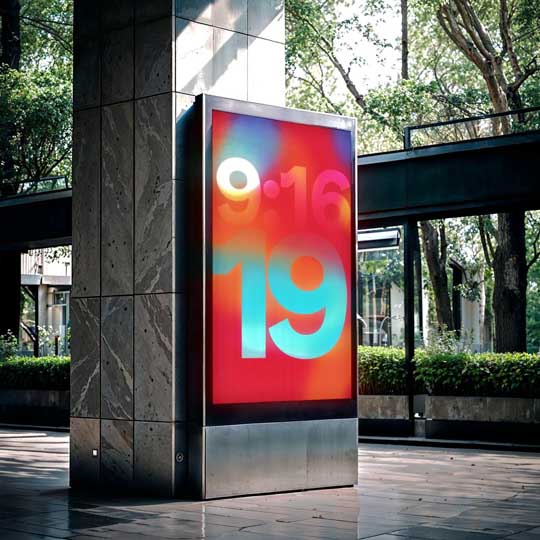
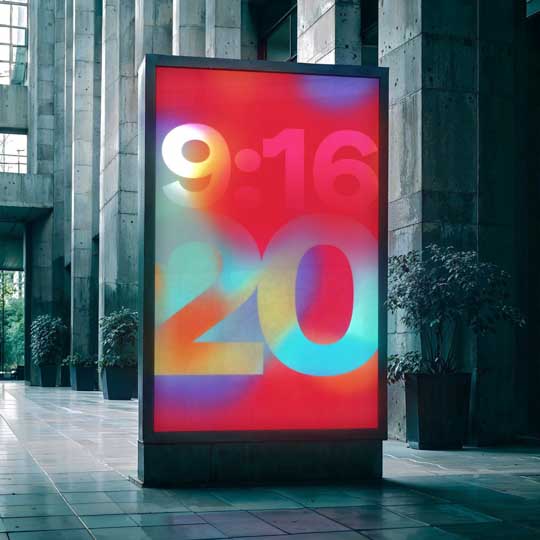
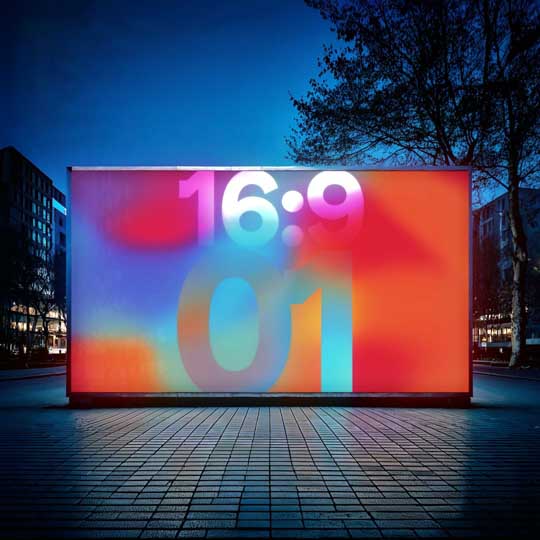
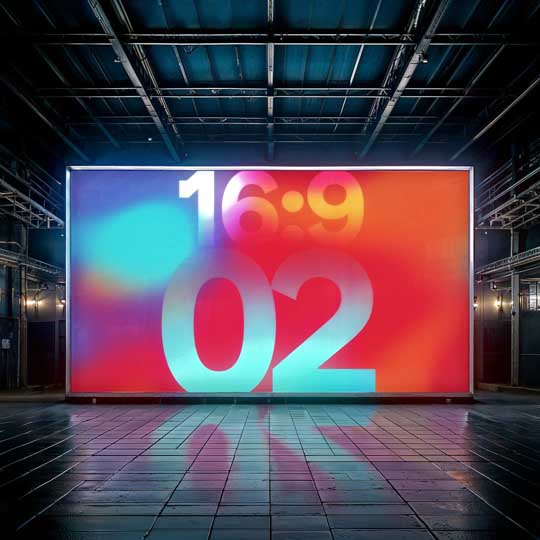
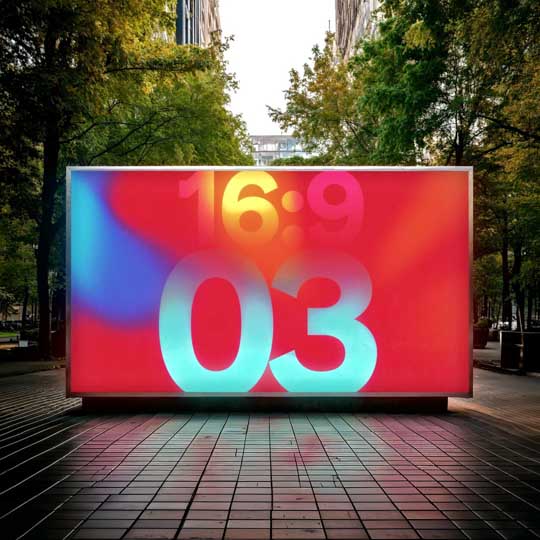
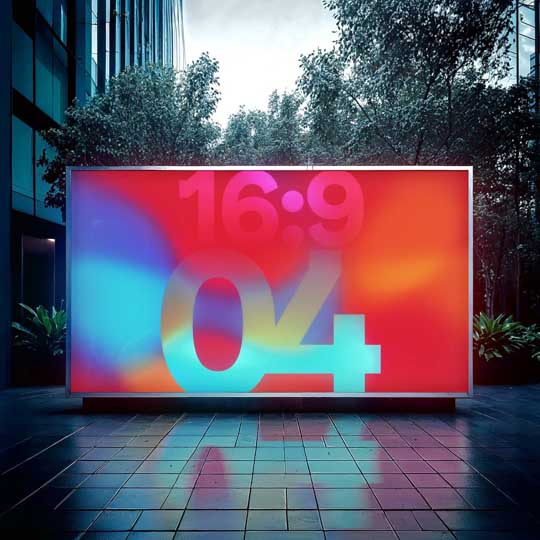
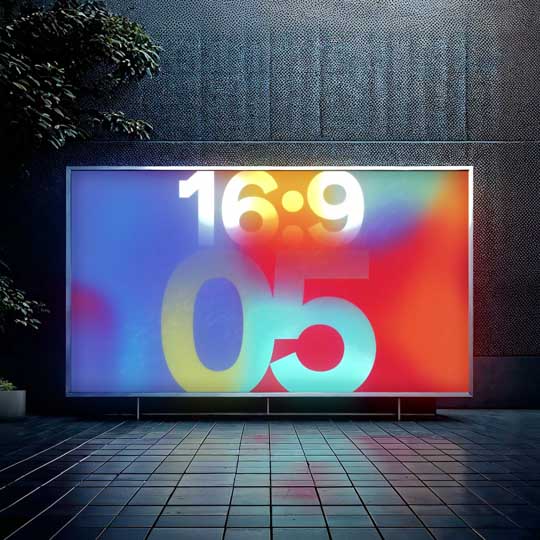
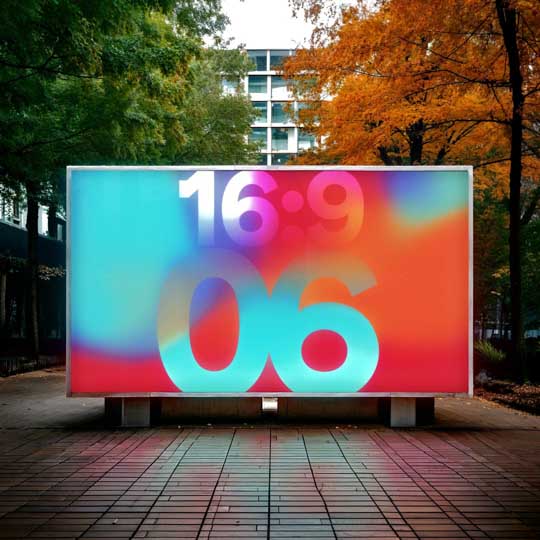
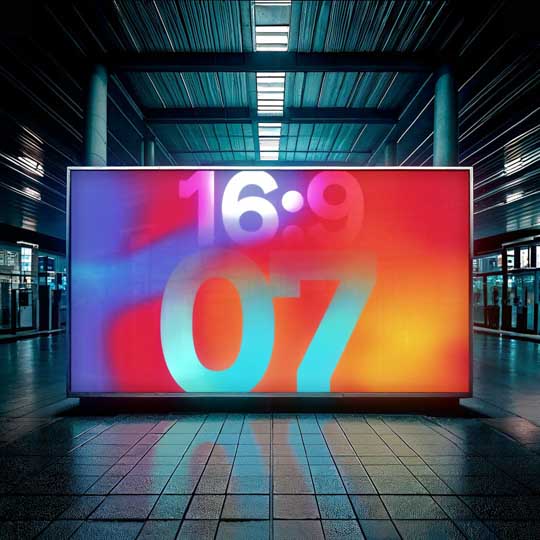
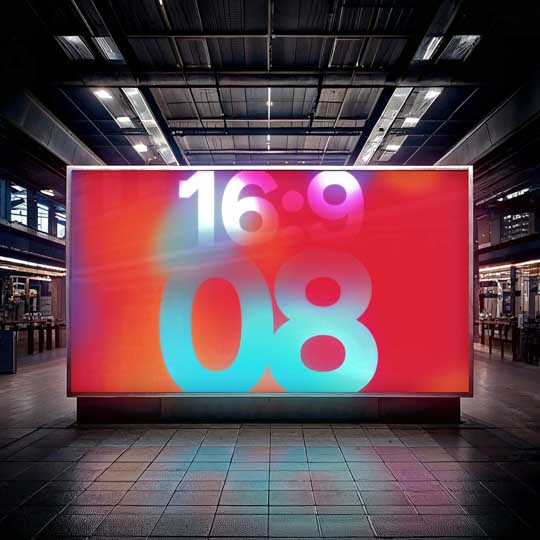
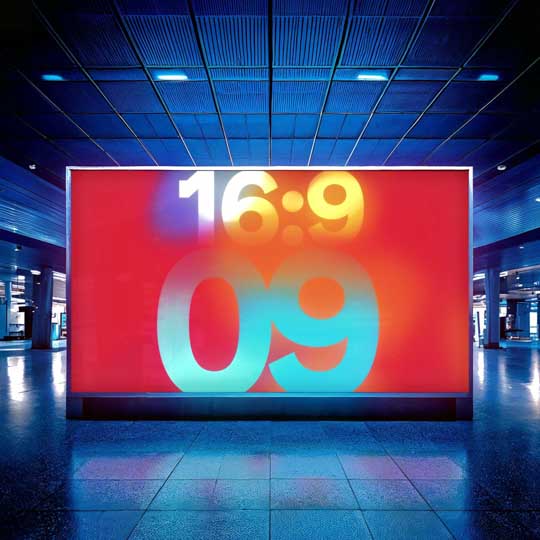
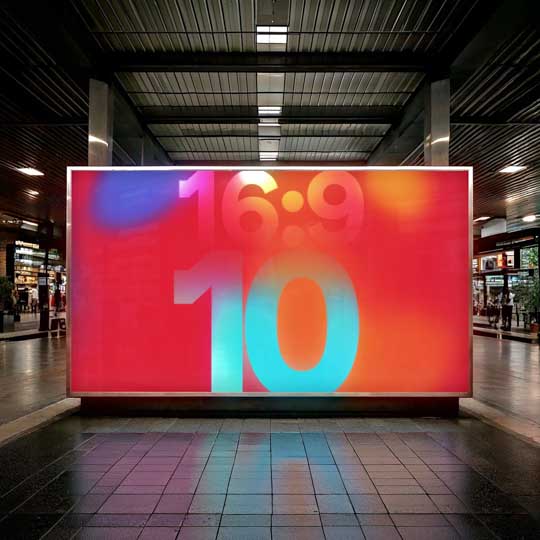
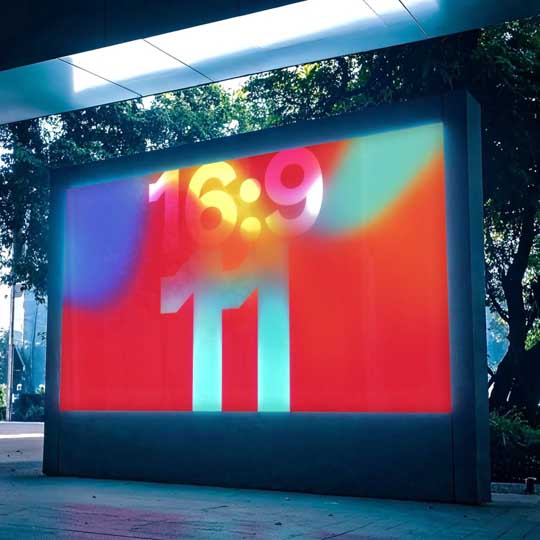
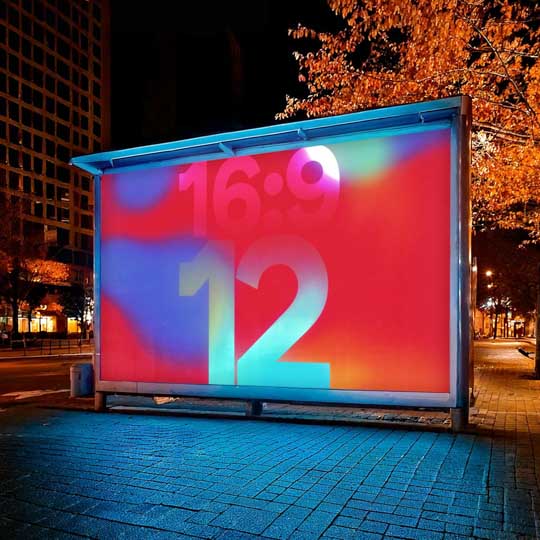
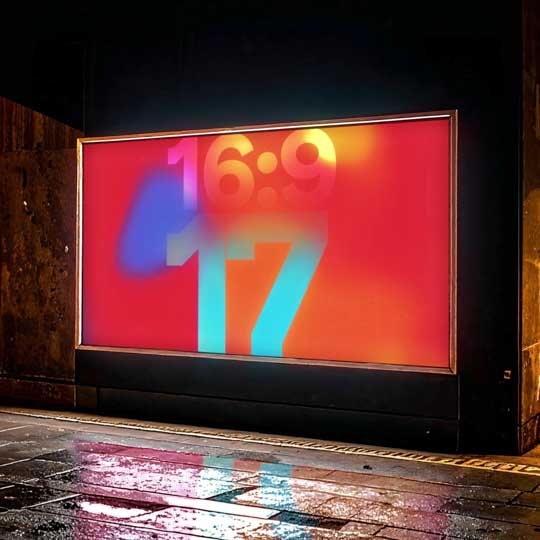
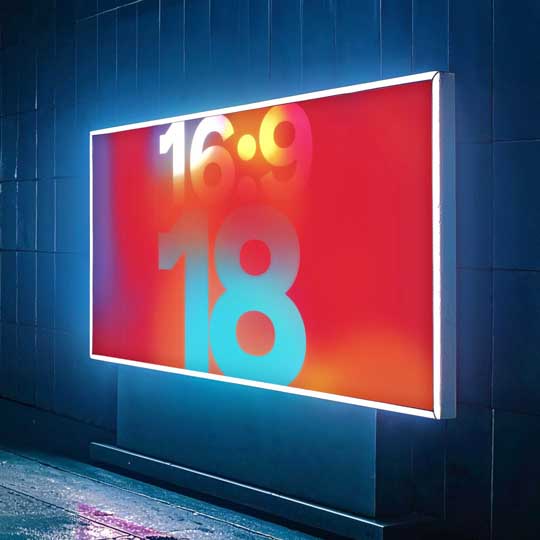
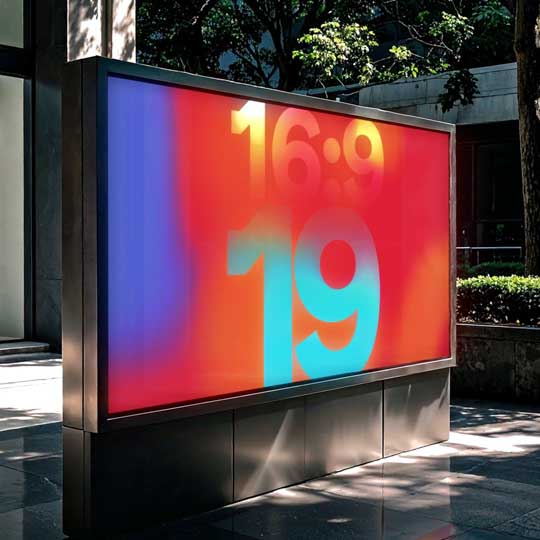
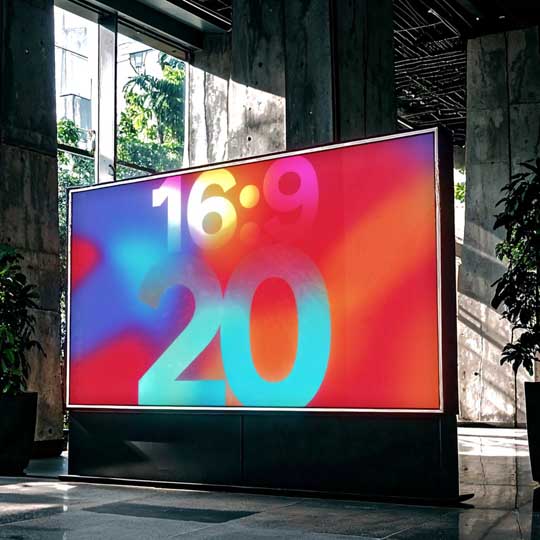
Access 60 high-quality, ready-to-use mockups directly within After Effects.
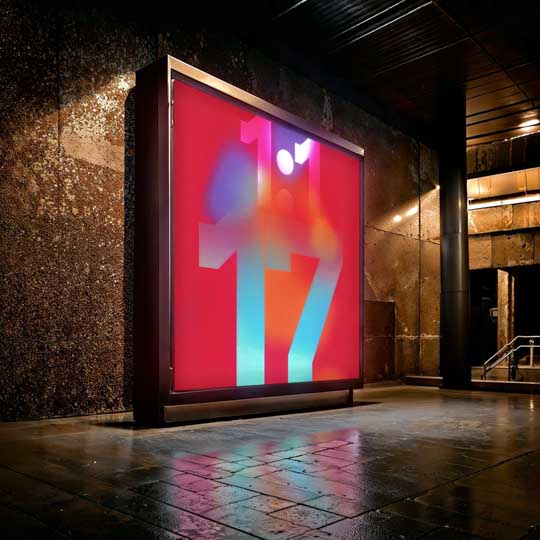
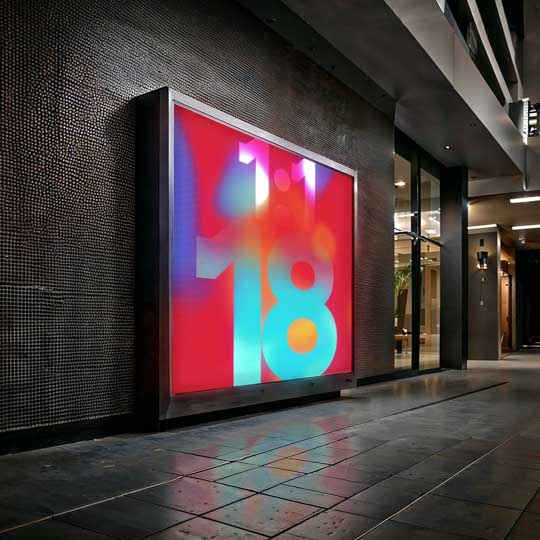
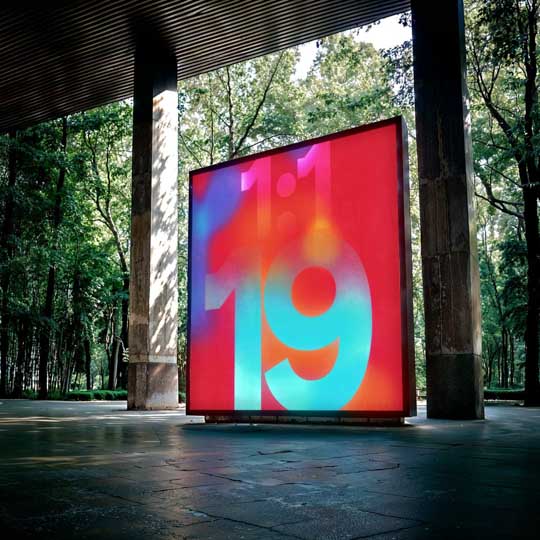
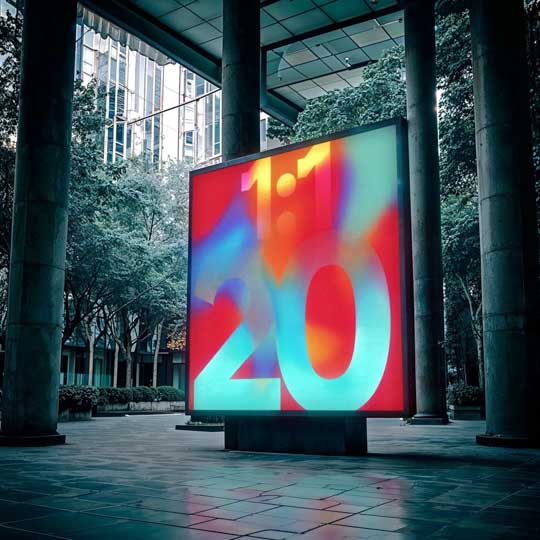
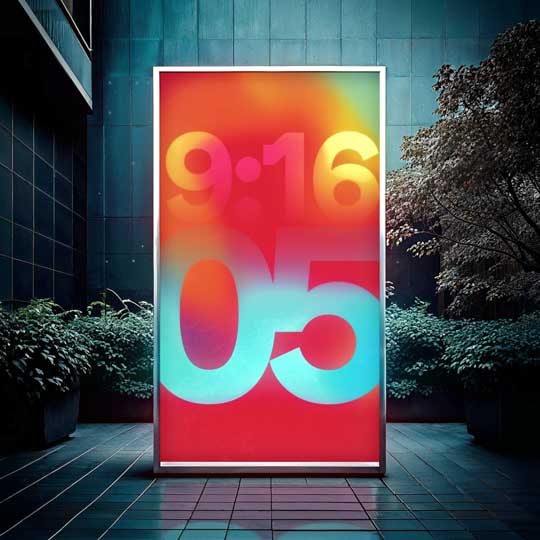
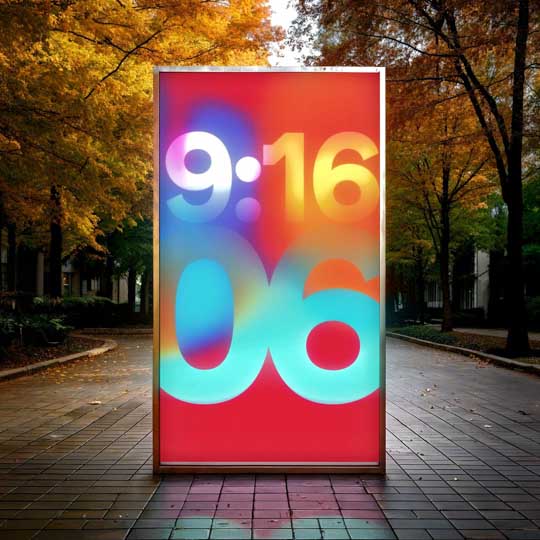
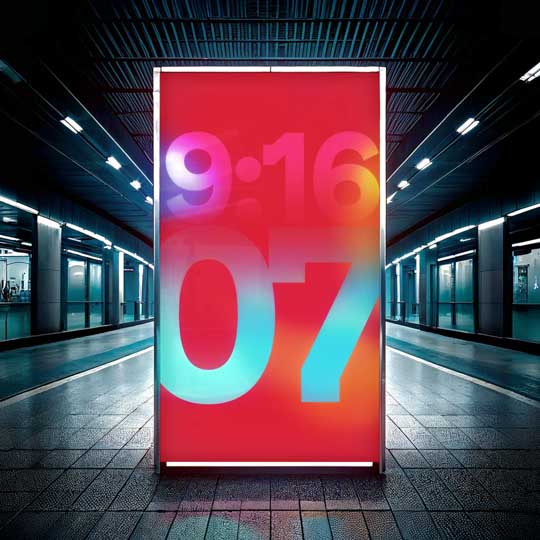
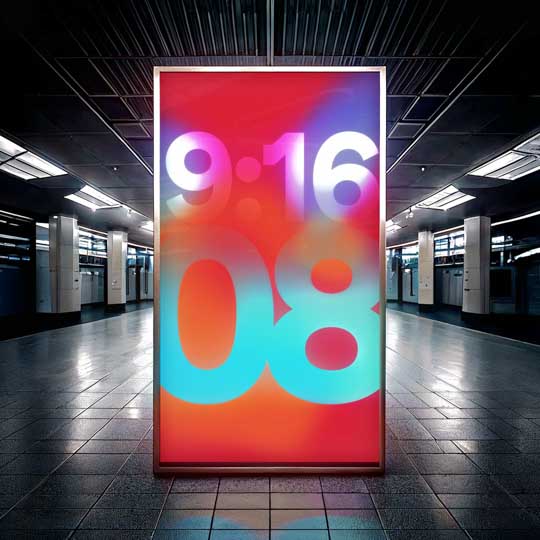
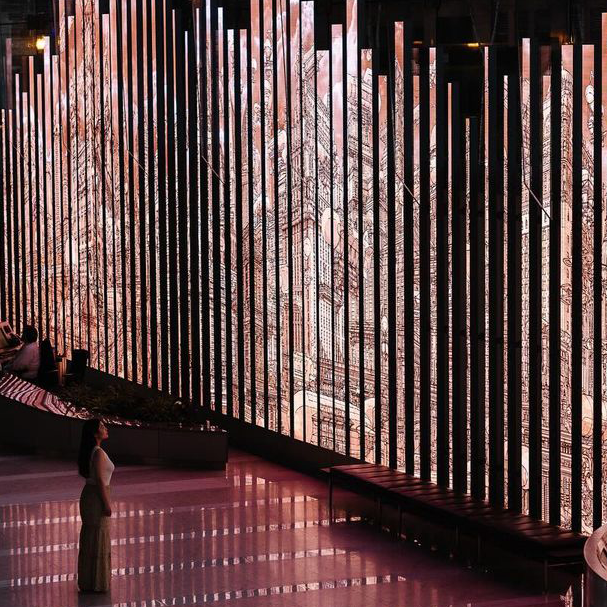
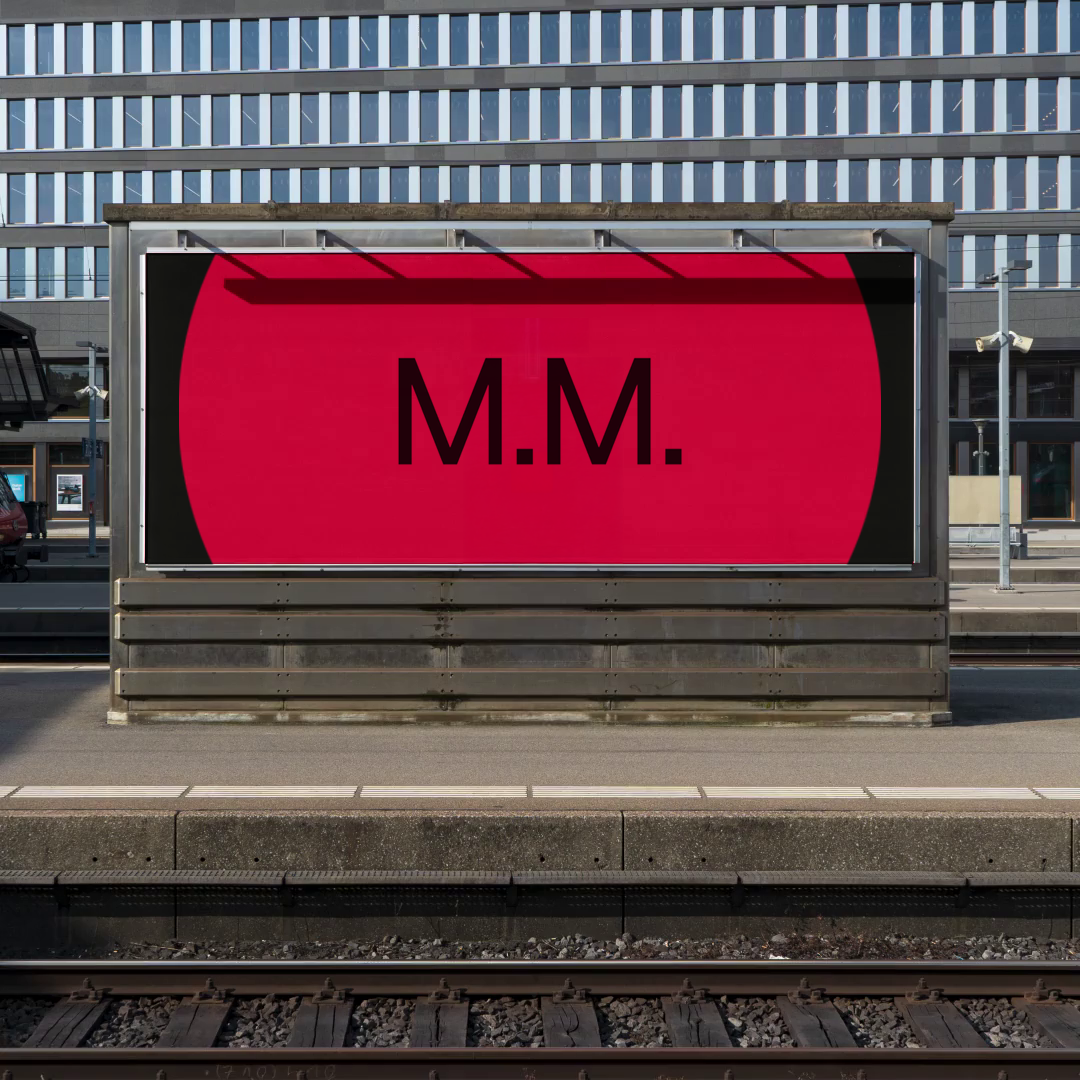
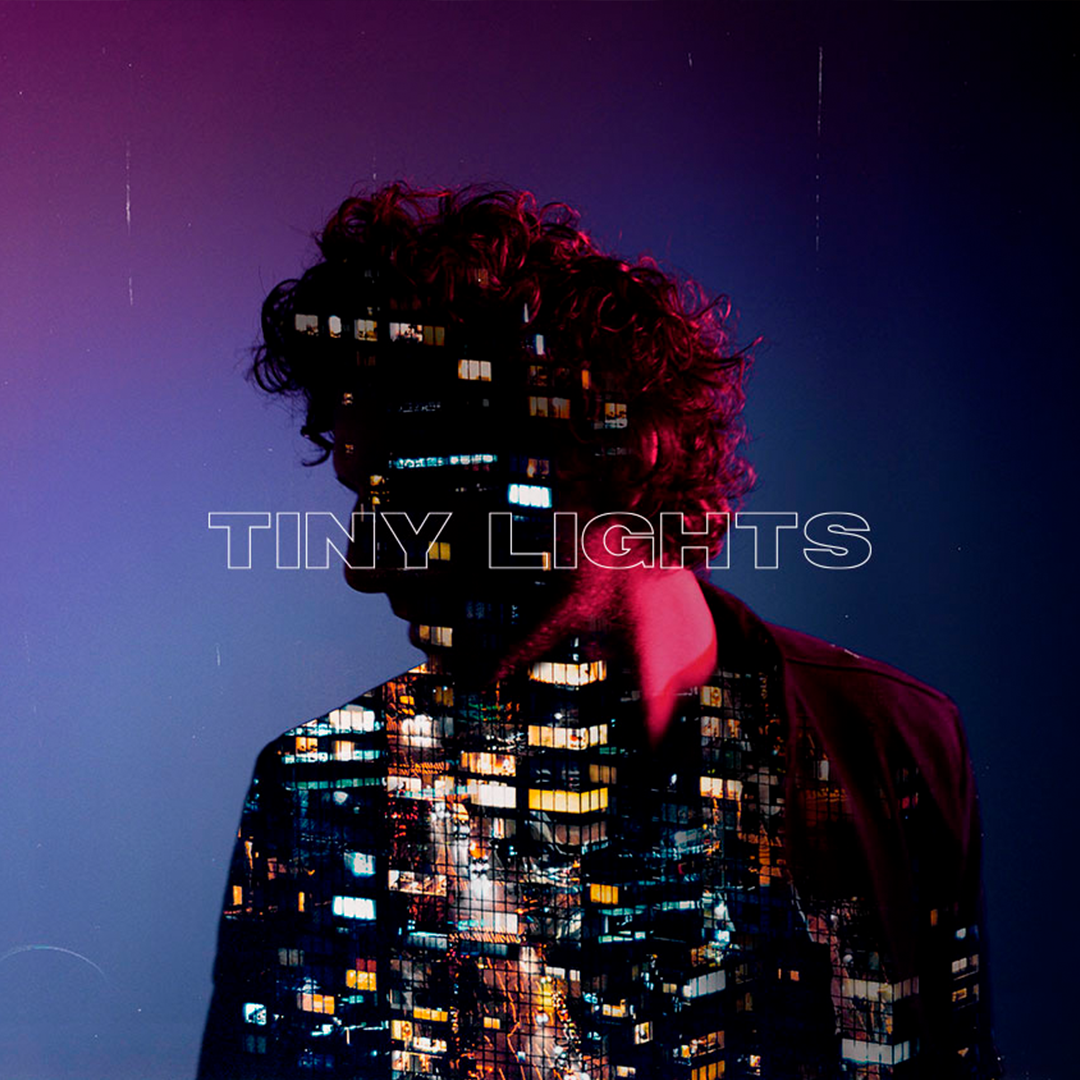
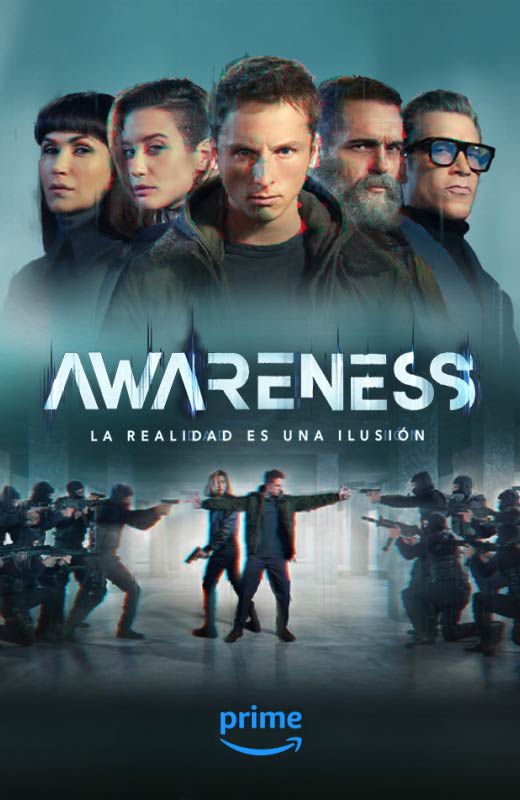
Our diverse collection includes various aspect ratios (1:1, 16:9, and 9:16) for all your Out-of-Home (OOH) advertising needs, from urban displays to indoor installations. Never waste time creating mockups from scratch again.
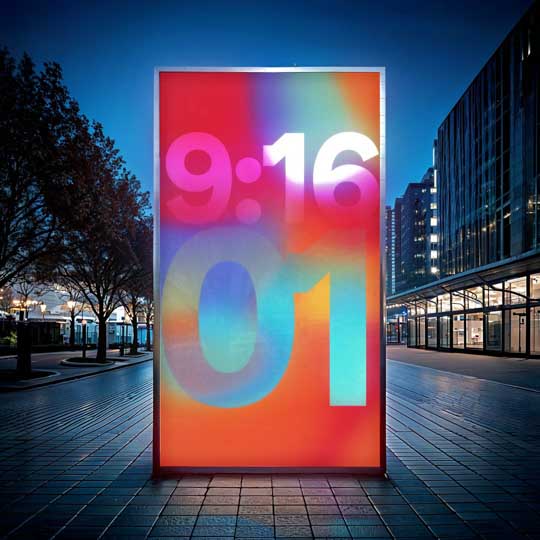
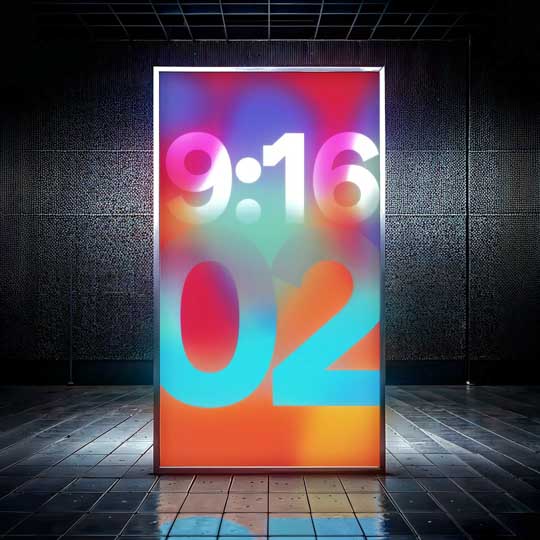
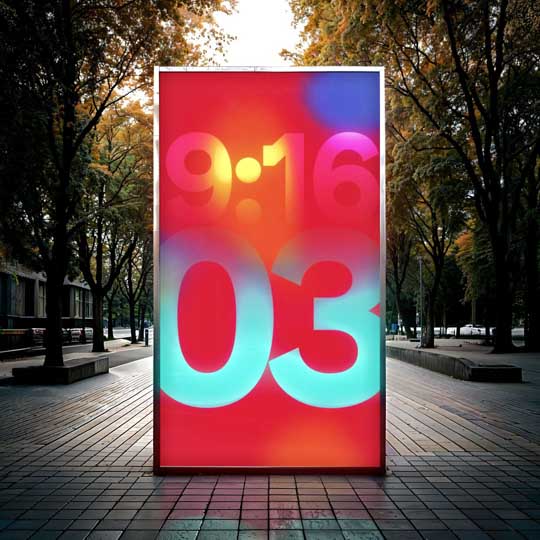
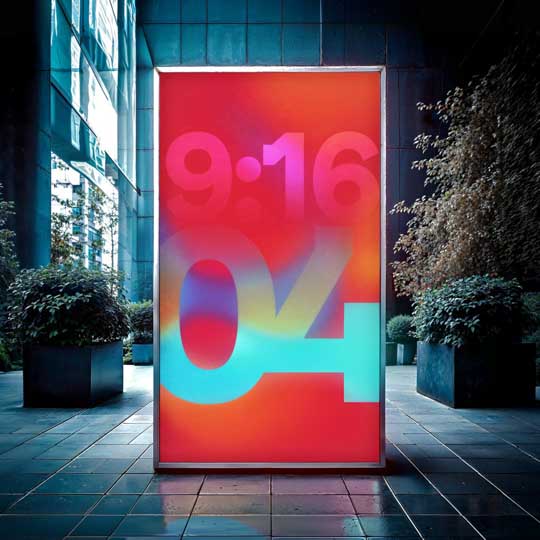
Seamless AE Integration
Work entirely within your familiar After Effects environment. No need to switch between applications or export files to create professional mockups. Apply any mockup to your composition with just two clicks, saving valuable production time.
Time-Saving Workflow
What would take hours to create manually now takes seconds. Focus on your creative work rather than technical mockup creation. Designed by professionals for professionals who value efficiency without compromising quality.
Intuitive Filtering System
Quickly find the perfect mockup with our built-in filtering system. Sort by aspect ratio, environment type (interior/exterior), and time of day (day/night) to match your specific presentation requirements. Our visual gallery makes selection fast and effortless.
Depth of Field Blur
Add realistic focus effects to emphasize your content
Focus Distance
Precisely control the focal plane after applying depth of field
Camera Shake
Add subtle movement for more dynamic presentations
Glass Reflection
Adjust screen reflections for authentic display appearance
Glow Size
Control the reach and spread of light emitted from the display screen
Glow Intensity
Fine-tune the brightness and impact of the screen's illumination
Reflection Blur & Intensity
Adjust the crispness and strength of surface reflections to perfectly integrate your display into its environment
Custom Controls
Perfect your mockup presentation with seven professional adjustment parameters.
Take complete control over your mockup's appearance with these customizable settings.
Custom Controls
Perfect your mockup presentation with seven professional adjustment parameters.
Take complete control over your mockup's appearance with these customizable settings.
From realistic depth effects to dynamic screen illumination and environmental reflections, these precision tools let you create photorealistic presentations that showcase your work in its best light.
Depth of Field Blur
Add realistic focus effects to emphasize your content
Glow Size
Control the reach and spread of light emitted from the display screen
Focus Distance
Precisely control the focal plane after applying depth of field
Glow Intensity
Fine-tune the brightness and impact of the screen's illumination
Camera Shake
Add subtle movement for more dynamic presentations
Reflection Blur & Intensity
Adjust the crispness and strength of surface reflections to perfectly integrate your display into its environment
Glass Reflection
Adjust screen reflections for authentic display appearance
Customizable Output
Control the final dimensions and duration of your mockup compositions.
Choose from preset sizes (1920x1080, 1080x1920, 1080x1080) or define custom dimensions to match your exact requirements. Automatically adapt your original animations to fit perfectly within any mockup environment.
How It Works













[→] hello@davidrubioma.tv [→] instagram [→] linkedin [→] Vimeo